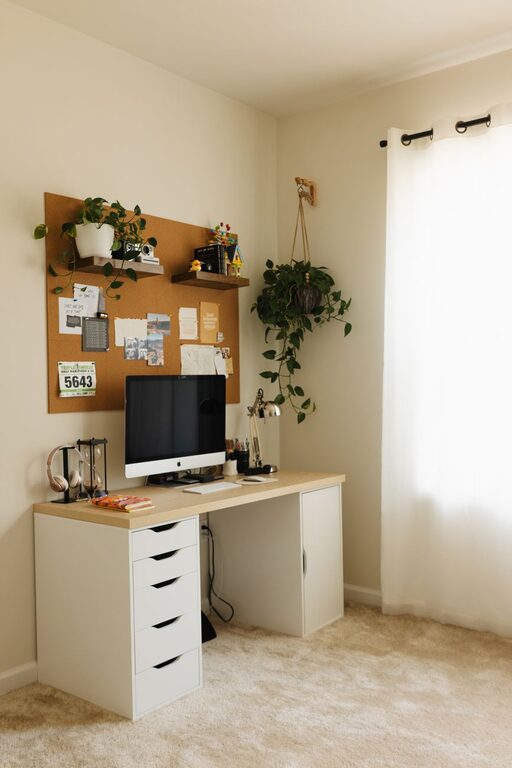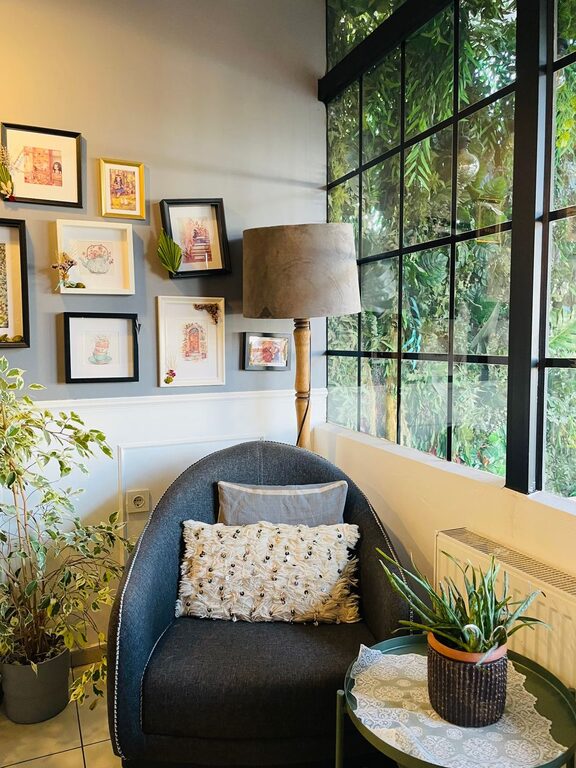
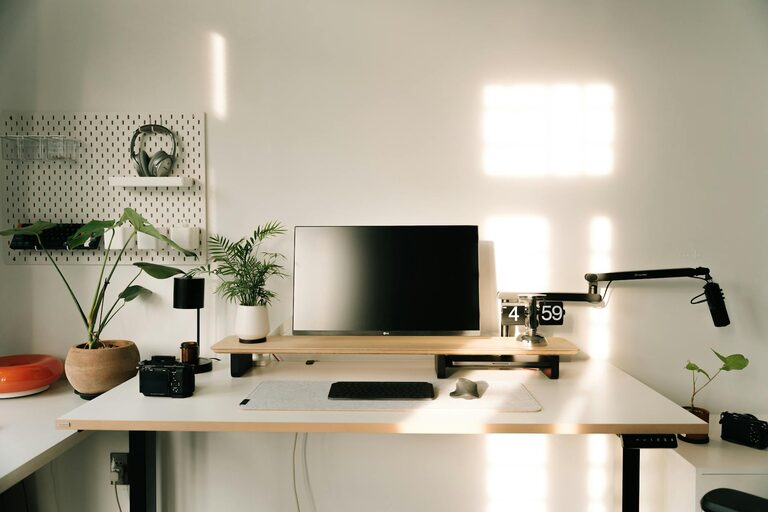
Creating a home workspace that is both productive and comfortable is essential for anyone working or studying from home. A well-designed area can boost your focus, reduce distractions, and help maintain good posture. Whether you have a dedicated room or just a corner of your living space, simple adjustments can make a big difference. In this post, we’ll explore practical tips to help you create a workspace that works for you.
Choose the Right Spot
Finding the best location in your home is the first step. Ideally, select a quiet area with minimal foot traffic to reduce interruptions. Good natural light can improve your mood and energy, so near a window is often a great choice. However, if that’s not an option, make sure your lighting is adequate to avoid eye strain.
Consider These Factors:
– Proximity to power outlets
– Access to natural light
– Minimal noise and distractions
– Sufficient space for your equipment and supplies
Invest in Ergonomic Furniture
Comfortable furniture can have a significant impact on your productivity and well-being.
Desk
Choose a desk that fits your space but provides enough room for your computer, documents, and other essentials. Height-adjustable desks are a plus, allowing you to switch between sitting and standing.
Chair
A good office chair supports your lower back and encourages good posture. Look for adjustable height, lumbar support, and comfortable padding.
Organize with Purpose
An organized workspace helps clear your mind and makes it easier to find what you need.
Declutter Regularly
Remove unnecessary items and keep your desk surface tidy.
Use Storage Solutions
Shelves, filing cabinets, and drawer organizers keep supplies orderly and accessible.
Manage Cables
Use cable organizers or clips to prevent cords from tangling and creating a mess.
Optimize Lighting
Proper lighting is important for reducing eye strain and keeping you alert.
Natural Light
Position your desk near a window if possible, but avoid glare on your screen.
Task Lighting
A good desk lamp with adjustable brightness can help you focus on detailed work.
Avoid Harsh Overhead Lights
Soften bright lights with lampshades or diffusers.
Minimize Distractions
Creating boundaries around your workspace can help keep distractions at bay.
– Use noise-canceling headphones if background noise is an issue.
– Set clear work hours and communicate them to family or housemates.
– Keep your phone on silent or in another room when possible.
Personalize Your Space
Adding personal touches can make your workspace more inviting and help you feel motivated.
– Add plants for a touch of nature and improved air quality.
– Display artwork, photos, or inspirational quotes.
– Use colors that promote calmness or focus, such as blues and greens.
Take Breaks and Move Around
No matter how good your setup is, sitting for long periods is not ideal.
– Follow the 20-20-20 rule: every 20 minutes, look at something 20 feet away for 20 seconds.
– Stand up, stretch, or walk briefly every hour.
– Consider adding a small space next to your desk for quick movement or stretching.
Maintain Good Air Quality
Fresh air contributes to comfort and concentration.
– Open windows when possible to let in fresh air.
– Use an air purifier or add plants known for improving indoor air quality.
Keep Technology in Check
Reliable technology supports productivity without causing frustration.
– Use a high-speed internet connection.
– Keep software and devices updated.
– Organize your digital files to reduce time spent searching for documents.
Final Thoughts
Creating a productive and comfortable home workspace does not require extensive renovations or expensive equipment. Focus on the essentials: choosing the right location, investing in ergonomic furniture, staying organized, and maintaining good lighting. Remember to personalize your space and prioritize your well-being by taking regular breaks and ensuring fresh air. With these simple tips, you can build a home workspace that supports your work and keeps you comfortable throughout the day.
About the Author