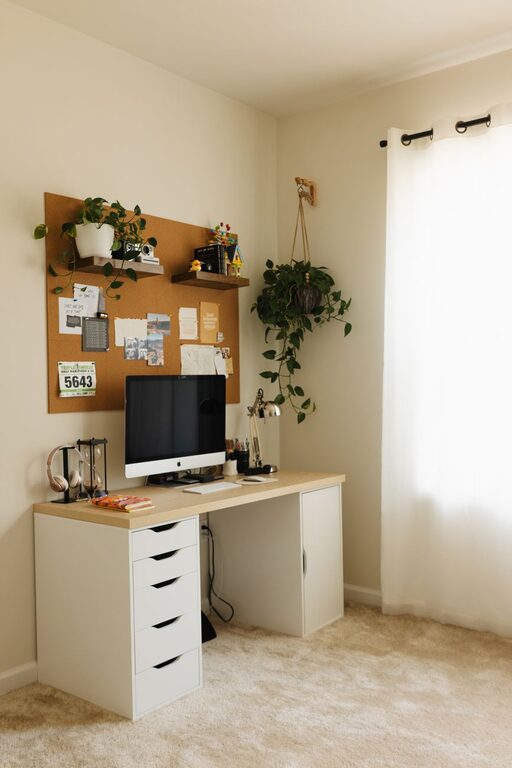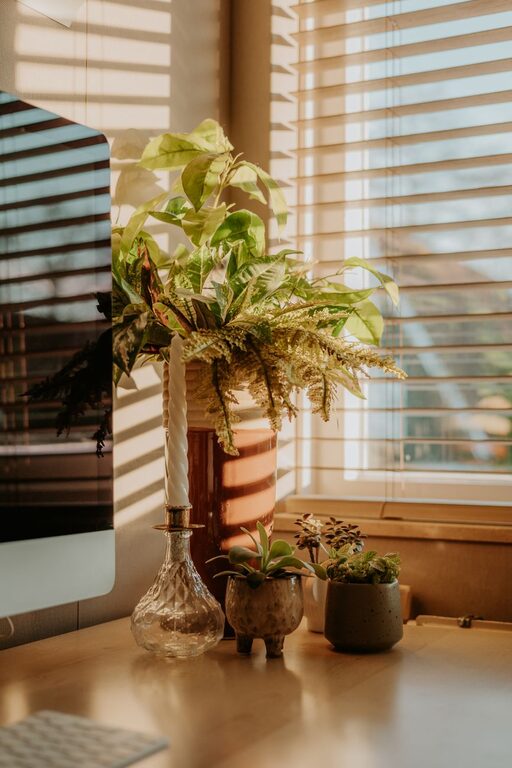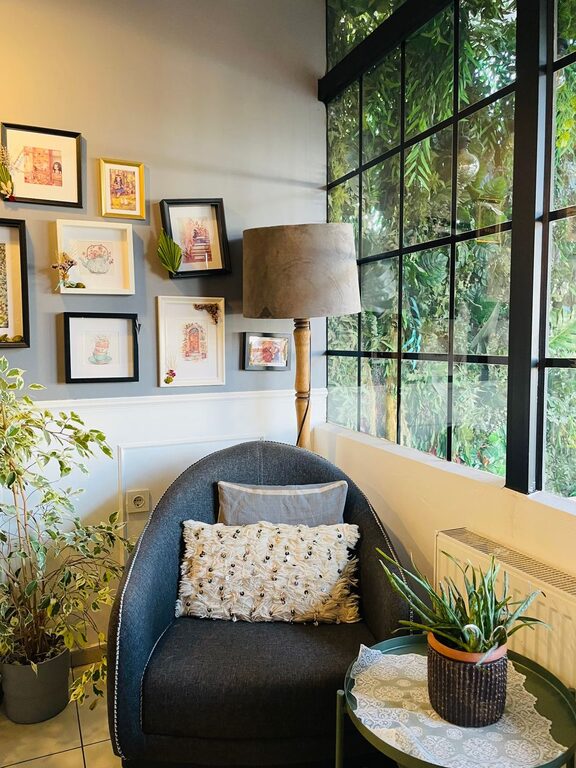
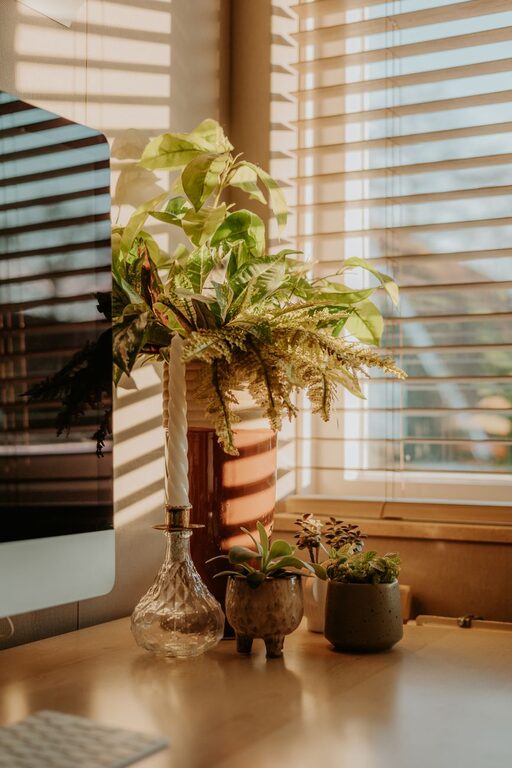
Creating a productive home workspace is essential for anyone working remotely or managing tasks from home. A well-designed environment can help you stay focused, maintain motivation, and boost overall efficiency. Whether you have a dedicated room or a small corner in your living space, these tips will guide you in setting up an effective workspace that supports your work habits and personal comfort.
1. Choose the Right Location
Finding the ideal spot for your home workspace is the first step. Ideally, select a quiet area with minimal distractions. Here are some considerations:
– Natural Light: Position your desk near a window if possible. Natural light helps reduce eye strain and improves mood.
– Separation: Try to pick a space separate from high-traffic areas like the living room or kitchen to maintain focus.
– Space: Ensure there’s enough room for your equipment and movements without feeling cramped.
2. Invest in Comfortable and Functional Furniture
Your furniture plays a significant role in productivity and health.
– Ergonomic Chair: Choose a chair that supports your back, promotes good posture, and adjustable height.
– Desk: The desk should have enough surface area for your computer, notebooks, and other essentials.
– Adjustability: An adjustable desk (sitting and standing options) can encourage movement and reduce fatigue.
3. Organize to Minimize Clutter
A tidy workspace helps clear your mind and maximize productivity.
– Storage Solutions: Use shelves, drawers, or filing cabinets to keep documents and supplies out of sight but accessible.
– Cable Management: Use clips or ties to organize cords to prevent tangling and visual clutter.
– Daily Cleanup: Spend a few minutes at the end of each day to straighten your desk.
4. Manage Lighting Effectively
Good lighting reduces eye strain and keeps you alert.
– Layered Lighting: Use a combination of natural light, overhead lights, and task lighting such as a desk lamp.
– Avoid Glare: Position monitors and lamps in a way that prevents glare on the screen.
– Color Temperature: Cooler white light (4000-5000K) tends to encourage alertness, while warmer light is more relaxing.
5. Minimize Distractions
Creating a distraction-free zone is crucial, especially in busy households.
– Noise Control: Use noise-cancelling headphones or white noise machines if background sounds are disruptive.
– Clear Boundaries: Communicate your work hours and space boundaries with family or roommates.
– Digital Focus: Use apps or browser extensions to block distracting sites during work time.
6. Personalize Your Space
Adding personal touches can make your workspace inviting and inspiring.
– Plants: Small indoor plants can improve air quality and add a calming element.
– Decor: Choose artwork, photos, or objects that motivate and make you happy.
– Comfort Items: Consider a cozy throw blanket or cushion for added comfort during long work sessions.
7. Equip Your Workspace with Essential Tools
Ensure you have all the equipment needed to work efficiently.
– Technology: Reliable computer, high-speed internet, and appropriate peripherals like keyboard, mouse, and printer.
– Stationery: Keep pens, notebooks, sticky notes, and other supplies within arm’s reach.
– Time Management: A clock or timer can help track breaks and stay on schedule.
8. Establish a Routine
Even the best workspace won’t be productive without a consistent habit.
– Set Regular Hours: Start and finish work at set times to create structure.
– Breaks: Take short breaks every hour to stretch and refresh your mind.
– Start with Priorities: Begin your day by tackling the most important tasks.
9. Maintain Healthy Habits
Your workspace should support not just productivity but well-being.
– Hydration and Nutrition: Keep water and healthy snacks close by.
– Movement: Incorporate stretches or short walks during breaks.
– Eye Care: Follow the 20-20-20 rule—every 20 minutes, look at something 20 feet away for 20 seconds.
Conclusion
Designing a productive home workspace is about balancing comfort, organization, and functionality. By considering location, furniture, lighting, and personal touches, you can create an environment that motivates you and enhances your work performance. Remember, your setup can evolve with your needs, so stay flexible and make adjustments as you discover what works best for you.
Implement these tips to transform your home workspace into a place where productivity and comfort go hand in hand. Happy working!
About the Author