Creating a home office that feels both cozy and productive can greatly improve your work-from-home experience. Whether you work full-time remotely or need a quiet nook for occasional tasks, your workspace matters. It should support your focus, keep distractions low, and inspire you throughout the day. Here are some helpful tips to design a home office that balances comfort and efficiency.
Choose the Right Location
Find a Quiet Spot
Select a place in your home where noise and interruptions are minimal. This could be a spare room, a corner in the living room, or even a section of your bedroom. The key is to have a space dedicated solely to work.
Consider Natural Light
Natural light can boost mood and reduce eye strain. Position your desk near a window when possible. If sunlight causes glare on your screen, use light curtains or adjustable blinds to diffuse it.
Invest in Comfortable Furniture
Ergonomic Chair
Sitting for long hours requires a chair that supports your back and promotes good posture. Look for adjustable chairs with lumbar support and cushioned seating.
Sturdy Desk
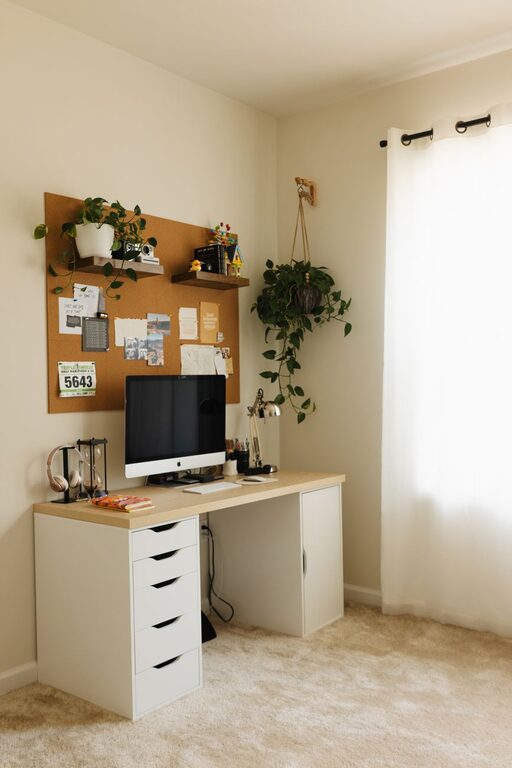
Choose a desk that fits your available space but offers enough surface area for your computer, notebook, and other essentials. Desks with adjustable height can allow you to alternate between sitting and standing.
Organize Your Space Efficiently
Declutter Regularly
A clean workspace helps maintain focus. Remove unnecessary items and keep only what you use daily within arm’s reach.
Use Storage Solutions
Shelves, drawers, and desk organizers can keep books, papers, and supplies neatly stored. Labeling storage bins helps you find items quickly.
Cable Management
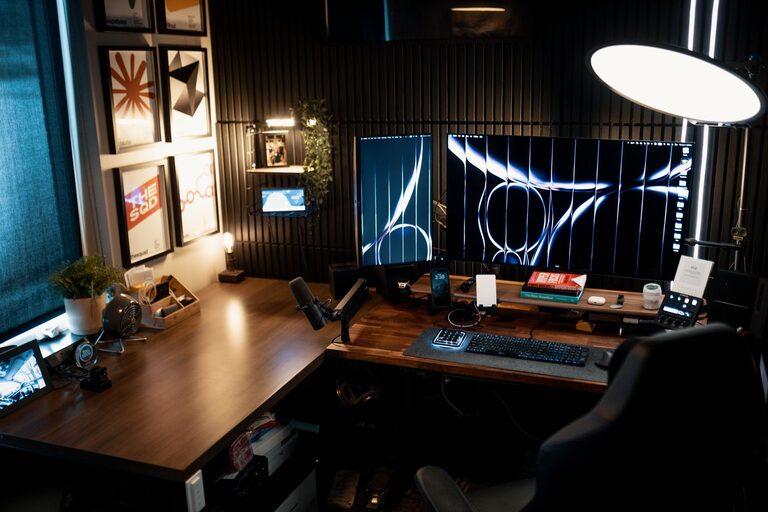
Tangled cords are both unsightly and distracting. Use clips, cable ties, or cable boxes to keep wires tidy and out of the way.
Personalize Your Workspace
Add Greenery
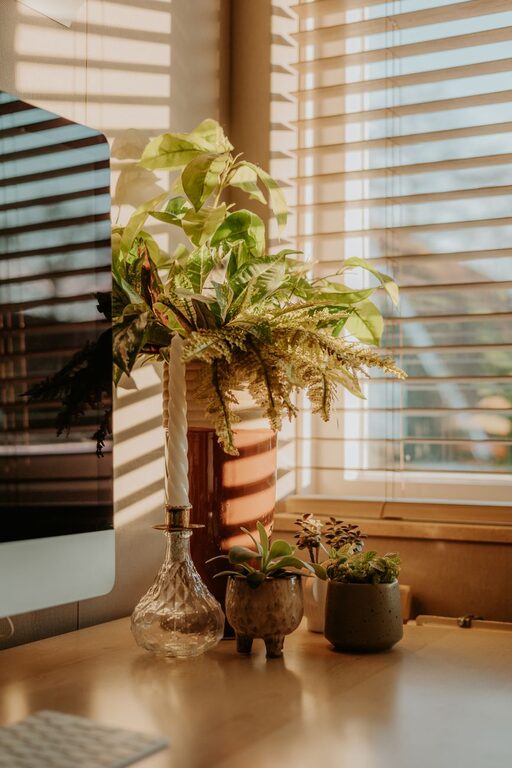
Plants improve air quality and add a touch of nature, creating a calming environment. Choose low-maintenance plants like succulents or spider plants.
Decorate Thoughtfully
Incorporate items that inspire you, such as artwork, motivational quotes, or meaningful photos. Keep decorations minimal to avoid clutter.
Optimize Lighting
Use Task Lighting
Besides natural light, include a desk lamp with adjustable brightness and direction. It helps reduce eye strain during evening work sessions.
Choose the Right Bulbs
Warm light creates a cozy atmosphere, while cool light supports alertness. Experiment to find a balance that suits your preferences.
Minimize Distractions
Set Boundaries
Inform family members or housemates about your work hours to help limit interruptions.
Use Noise Control
Consider noise-cancelling headphones or playing background music or white noise if ambient sounds are distracting.
Maintain Good Air Quality
Ventilate Regularly
Fresh air keeps you alert and comfortable. Open windows when weather allows or use an air purifier to improve air quality indoors.
Incorporate Break Areas
Create a Separate Spot
If space permits, designate a place nearby for breaks. Relaxing away from your desk can boost productivity when you return to work.
Use Comfortable Seating
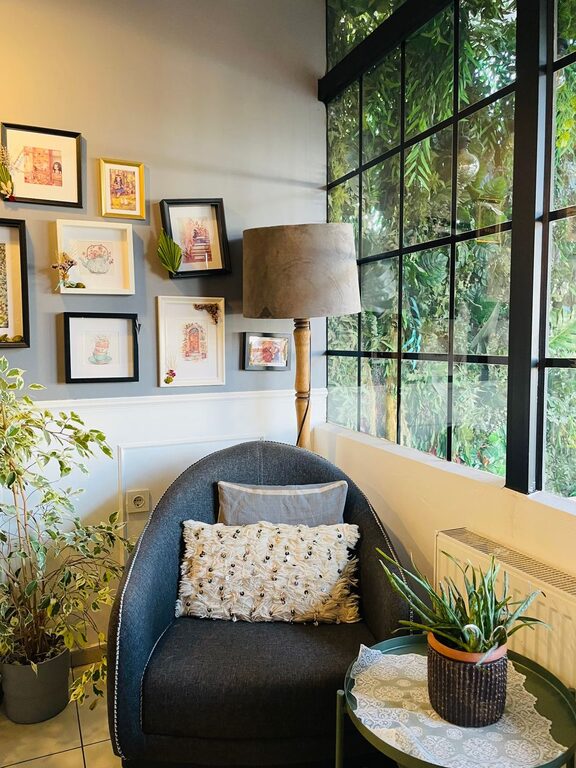
A cozy chair or small sofa can encourage you to step away without leaving the room.
Equip Your Office with the Right Tools
Reliable Technology
Ensure your computer, internet connection, and peripherals meet your work needs. Keep software updated to avoid disruptions.
Productivity Accessories
Items like planners, whiteboards, or digital tools can help manage tasks and deadlines effectively.
Establish a Routine
Set Work Hours
Having defined start and end times aids in maintaining focus during work and relaxing afterward.
Take Regular Breaks
Short breaks every hour improve concentration and reduce fatigue.
—
Designing a cozy and productive home office doesn’t require a big budget or a large space. By prioritizing comfort, organization, and personalization, you can create a workplace that motivates you and supports your best work. Start with small changes and adjust as you go to find the perfect balance for your needs.
About the Author